Best Online Proctoring Software
There's no single best online proctoring software - the right choice depends on your install tolerance, budget, candidate volume, and how high the stakes of the exam actually are. A large university already running Canvas or Blackboard has different needs than a small certification body running a few hundred exams a year, and the tools that serve them well aren't the same.
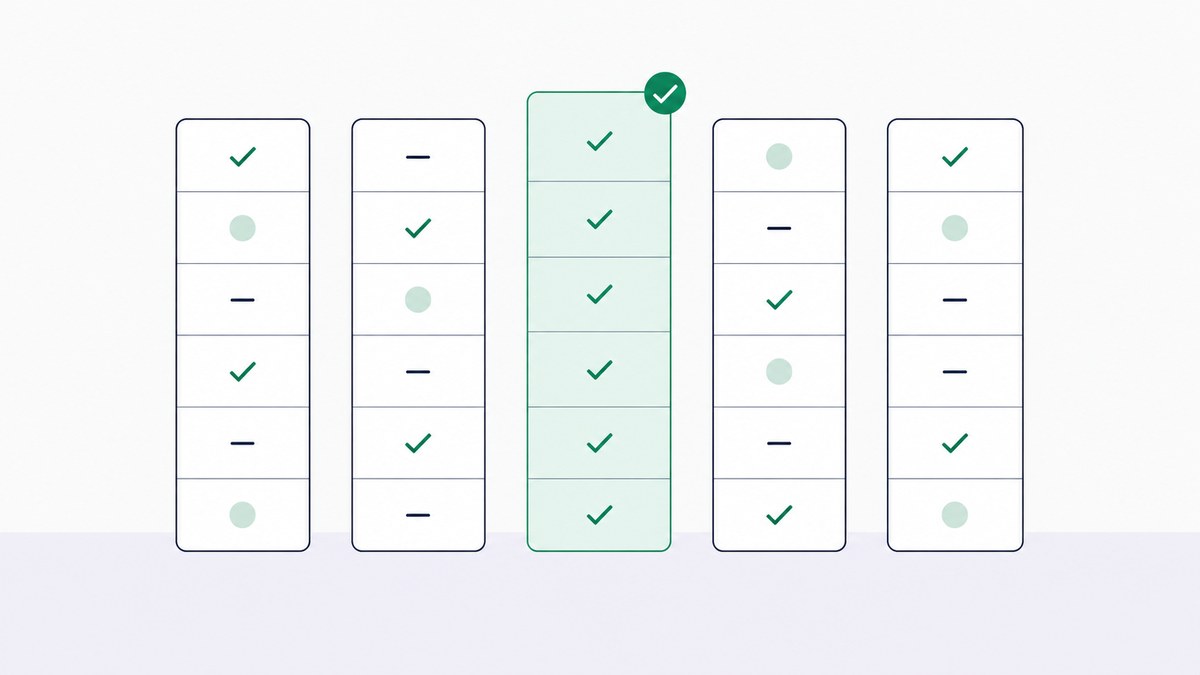
What is in this guide
This comparison covers the major players people actually shortlist when evaluating proctoring software, what each is genuinely good at, and where each falls short. No tool here is perfect, including ours - we've tried to be specific about trade-offs rather than write a page of uniform praise.
Quick Comparison
Pricing across nearly this entire category is quote-based rather than published - that's standard for enterprise edtech, not a red flag specific to any one vendor, but it does mean you'll need to request a quote to get a real number for most of these.
| Tool | Proctoring Type | Install Required | Best For | Pricing Model |
|---|---|---|---|---|
| TunnelQuiz | AI-automated, with live monitoring option | No install (browser-based) | Small-to-mid institutions and businesses wanting fast setup | Credit-based; unproctored assessments free and unlimited on paid plans |
| Proctorio | AI-automated | Browser extension | Large-scale automated proctoring in higher ed | Custom/on request |
| Honorlock | AI + on-demand live escalation | No install (browser-based) | LMS-integrated exams needing occasional human backup | Custom/on request |
| Examity | Live, automated, or recorded | Varies by mode | Enterprise and certification bodies needing flexibility | Custom/on request |
| Respondus (LockDown Browser + Monitor) | AI-automated, kernel-level lockdown | Yes, software install | Universities already standardized on Respondus | Custom/on request |
| ProctorU | Live-heavy, some automated | Varies by mode | High-stakes licensing and certification exams | Custom/on request |
| Proctortrack | AI-automated | Software install | ID and keystroke-focused verification | Custom/on request |
| ProctorExam | Live, automated, or recorded | Browser-based | International certification bodies | Custom/on request |
How We Compared These
We weighed five things consistently across every tool: how much friction the install process creates for test-takers, which proctoring modes are actually available (live, AI, recorded, or a mix), how deep the LMS integration goes, whether pricing is transparent or fully custom, and what kind of organization each tool is genuinely built for. We didn't weight tools by brand recognition alone - some of the biggest names here carry real trade-offs that smaller or newer platforms don't.
TunnelQuiz
TunnelQuiz is a browser-based, no-install proctored assessment platform built around multiple-choice and written-answer exams, with tab and focus alerts, second-screen detection, copy-paste blocking and fullscreen lock, plus email OTP and, from the Essential plan, a live monitoring view, a check-in photo and webcam snapshots.
Its strength is genuinely fast setup: there's no software install for candidates, no lengthy IT deployment, and pricing is transparent and credit-based rather than a custom quote you have to request. The honest limitation: it doesn't currently offer a kernel-level lockdown browser like Respondus, and it doesn't have an on-demand live-proctor marketplace the way ProctorU or Examity do. Live monitoring is available, but not as the primary mode the platform is built around. It's a strong fit for small-to-mid institutions, training providers, and businesses that want to get a proctored exam running quickly without an enterprise procurement cycle, and less suited to a large university that specifically needs kernel-level lockdown or a big licensing body needing a large live-proctor bench on demand.
Proctorio
Proctorio is one of the most widely deployed AI-automated proctoring tools in higher education, running as a browser extension that monitors facial presence, eye movement, and the exam environment without a human watching live.
Its strength is scale - it's built to handle large concurrent cohorts with minimal manual review overhead. The trade-off is that Proctorio has faced public scrutiny in past years over student privacy concerns and algorithmic transparency, which is worth knowing before you commit, even though the company has continued to update its practices in response. It's best suited to large universities that need automated proctoring at real scale and have the IT capacity to manage a browser-extension deployment.
See TunnelQuiz vs ProctorioHonorlock
Honorlock runs entirely in the browser with no separate software install, using AI monitoring that automatically escalates to a live proctor only when something is actually flagged, rather than defaulting to live proctoring for every session.
The strength here is reduced friction: students don't need to install anything, and institutions get human backup without paying for a live proctor on every exam. The limitation is that Honorlock's live-escalation model depends on proctor availability at the moment of an actual flag, which can introduce a short delay compared to a fully live-proctored session. It's a strong fit for institutions with solid LMS integration needs that want automation with an occasional human safety net.
See TunnelQuiz vs HonorlockExamity
Examity offers all three major proctoring modes, live, AI-automated, and recorded, under one platform, which makes it flexible for institutions running exams with genuinely different stakes levels.
The strength is that flexibility: a university can use lighter automated proctoring for coursework and switch to live proctoring for finals within the same vendor relationship. The trade-off is that this flexibility comes with more configuration complexity than a single-mode tool, and as an enterprise-focused platform, it's generally not the fastest or cheapest option for a smaller organization running occasional exams. It fits large universities and certification bodies that need one vendor to cover multiple stake levels.
Respondus (LockDown Browser + Monitor)
Respondus is close to the default in much of higher education - LockDown Browser restricts access to other applications during an exam at the kernel level, and Monitor adds webcam recording with AI-flagged review.
Its strength is depth of lockdown: because it operates below the browser level, it's harder to circumvent than extension-based restrictions. The clear trade-off is the install requirement - students need to download and install software before testing, which creates a real support burden for institutions, especially with students on locked-down or shared devices. It's the natural choice for universities already standardized on Respondus through their LMS relationship, but the install friction is worth weighing if you're starting fresh.
ProctorU
ProctorU leans more heavily on live human proctoring than most competitors on this list, alongside automated options, and has a long track record with certification and licensing bodies specifically, where defensibility of a result matters more than convenience.
The strength is real-time human judgment for high-stakes exams where an incorrect automated flag could have serious consequences for the candidate. The trade-off is cost and scheduling - live proctoring is generally more expensive per exam than AI-only options, and it typically requires booking a time slot rather than testing on demand. It's best suited to licensing exams and other high-stakes certifications where the cost is justified by the stakes.
Proctortrack
Proctortrack focuses on AI-automated monitoring with an emphasis on identity verification methods like ID scanning and keystroke pattern analysis, alongside standard webcam monitoring.
Its strength is a security stack that goes a bit further into behavioral identity verification than some pure webcam-monitoring competitors. Like Respondus, it requires a software install, which brings the same trade-off - more friction for test-takers and more support overhead for the institution deploying it. It suits institutions that specifically want identity verification depth as a priority alongside standard proctoring.
ProctorExam
ProctorExam is used more internationally than some of the primarily U.S.-focused names on this list, and it's a common choice among certification bodies specifically, offering live, automated, and recorded modes through a browser-based setup.
The strength is flexibility without an install requirement, plus a track record with credentialing organizations that need documented, defensible exam sessions. The limitation is that, as with most enterprise proctoring vendors, pricing isn't public, and evaluating true fit requires a sales conversation rather than a straightforward comparison. It's a solid shortlist candidate for certification bodies operating outside North America or needing multi-mode flexibility.
How to Choose the Right One for You
The honest answer to "which is best" depends on which of these describes your situation:
- Large university, high exam volume, already using an LMS - Respondus or Proctorio are the most established choices, with the trade-off of install friction (Respondus) or past privacy scrutiny to weigh (Proctorio)
- Certification or licensing body needing strong defensibility - ProctorU or Examity's live-proctoring strength matters more here than convenience; see How to Proctor Certification Exams Online for how to think about matching proctoring rigor to credential stakes
- Institution wanting automation with an occasional human backstop - Honorlock's escalation model or a hybrid approach is worth evaluating; see Online Proctoring vs Live Proctoring for the fuller trade-off breakdown
- Small-to-mid institution or business wanting fast, low-friction setup - TunnelQuiz's no-install, transparent-pricing model is built for exactly this case, though it's not the pick if you specifically need kernel-level lockdown or an on-demand live-proctor bench
Whatever you land on, ask each vendor directly about data retention, encryption, and access controls before signing - see Are Online Proctored Exams Secure? for the full list of questions worth asking any proctoring vendor.
Questions, answered
Most established proctoring platforms, including all those compared here, are paid enterprise tools without a meaningful free tier, since the underlying technology (identity verification, AI monitoring, live proctors) incurs real, ongoing costs. TunnelQuiz has a free plan with 50 credits a month, screen captures and tab tracking included, and its paid plans run unproctored assessments free and unlimited, which can work for lower-stakes testing where full proctoring isn't required.
Neither is universally better - Honorlock's no-install, AI-plus-live-escalation model reduces student friction. At the same time, Proctorio's browser-extension approach is built for large-scale automated monitoring but has drawn more public scrutiny over privacy in past years. The better fit depends on whether install-free convenience or maximum automated scale matters more to your institution.
It depends on the platform. Respondus and Proctortrack both require a software install for their full lockdown capabilities, while Honorlock, ProctorExam, and TunnelQuiz run entirely in the browser with no install. Browser-based tools reduce setup friction but generally offer less restrictive lockdown than kernel-level installed software.
Pricing is largely custom and quote-based across most major vendors, varying by exam volume, proctoring mode, and institution size, so there's no universal number to compare against. TunnelQuiz is an exception with published credit-based pricing, while most enterprise vendors require a sales conversation to get an actual quote.
ProctorU and Examity have the longest track record with certification and licensing bodies specifically, largely because of their live-proctoring strength and the defensibility that comes with real-time human oversight. Lower-stakes certifications may reasonably use AI-only or hybrid options instead, where the cost of live proctoring isn't justified by the credential's stakes.
Switching is possible but rarely simple. Most institutions have LMS integrations, staff training, and stored historical exam data tied to their current platform, which creates real switching costs beyond the software itself. This is worth factoring into your initial decision, since a lower-friction setup process now can matter later if your needs change.
If lightweight, browser-based proctoring with transparent pricing fits what you're looking for, you can see TunnelQuiz's full feature set at tunnelquiz.com/features.
- Free plan, 50 credits a month
- No install, runs in the browser
- Screen capture on every plan
- MCQs scored the moment they submit